 SuperX
Get live statistics and analysis of Steven Johnson's profile on X / Twitter

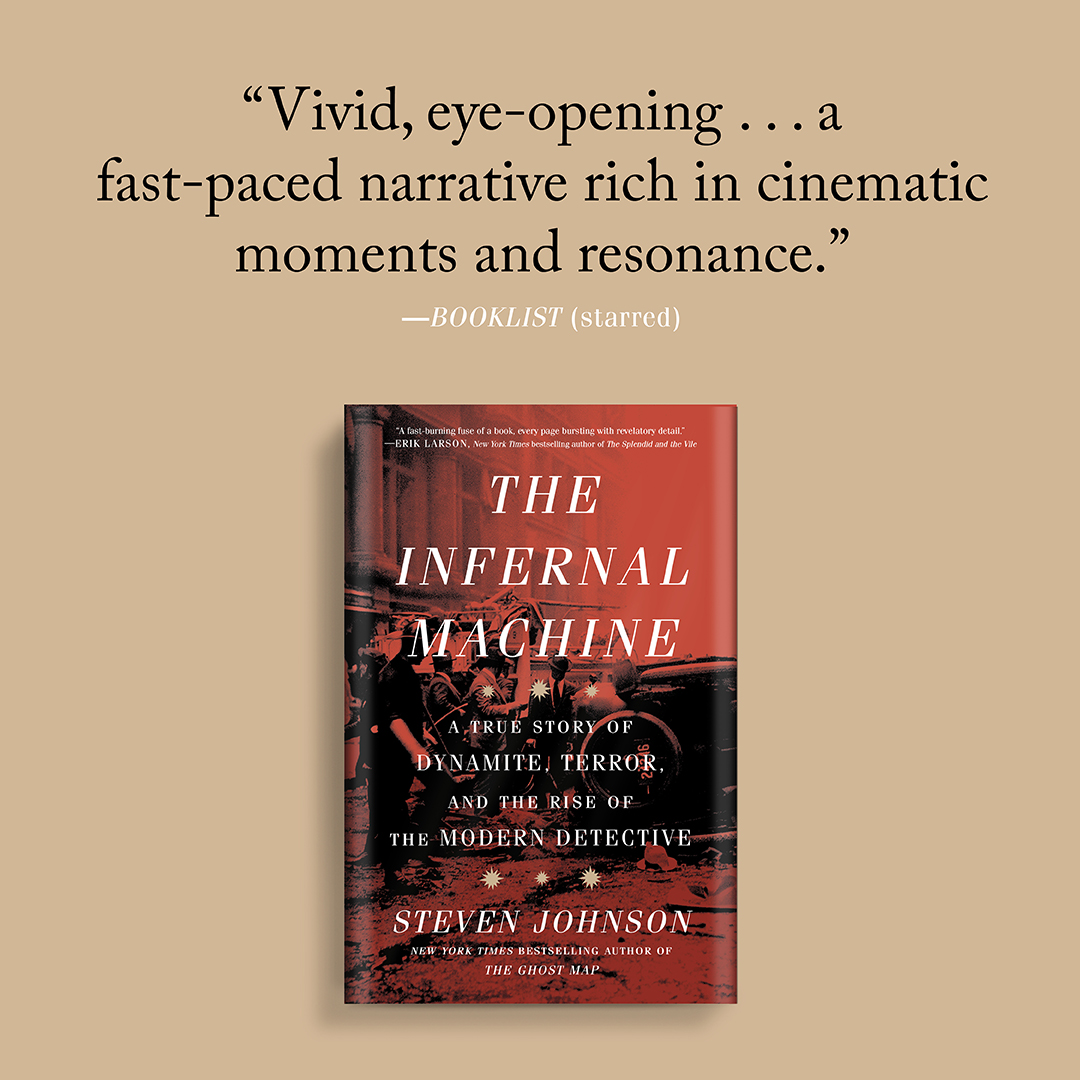
Editorial Director, NotebookLM and Google Labs. Author of 14 books. Latest: The Infernal Machine. Speech inquiries email: wesn at leighbureau dot com
The Thought Leader
Meet Steven Johnson, the Editorial Director of NotebookLM and Google Labs, and a prolific author with 14 books under his belt, including the latest, 'The Infernal Machine.' With a knack for insightful analysis and innovative ideas, Steven engages in deep discussions about AI, education, and the future of digital interfaces.
Steven, your tweets are like a well-researched essay just waiting to be graded—impressive, but I can't help but wonder if anyone's actually reading them after the first paragraph!
One of Steven's biggest wins has been the successful integration of AI tools in education through NotebookLM, changing the way students interact with learning materials.
Steven's life purpose revolves around pushing the boundaries of technology to enhance learning and communication, empowering others to harness the true potential of AI in their daily lives.
Steven values knowledge-sharing, innovation, and collaboration, believing that technology should serve to make education more accessible and engaging for everyone.
Steven's strengths lie in his ability to communicate complex ideas clearly, his extensive knowledge of AI applications, and his talent for creating engaging content that resonates with a wide audience.
One potential weakness is that Steven's in-depth focus on technology and analysis might sometimes alienate those who prefer lighter, more casual discussions.
To grow his audience on X, Steven should consider injecting a bit more personality into his tweets, perhaps by sharing more personal anecdotes or behind-the-scenes looks at his projects, making him more relatable to his followers.
Fun fact: Steven has a collection of 8,000 quotes stored in one single notebook—where do you even find time to read that much?
Top tweets of Steven Johnson

How to do school with NotebookLM: 1. Record audio from class on your phone 2. Keep laptop closed. Just jot down short phrases to describe most important points 3. Upload audio and PDF scan of notes to NotebookLM 4. Ask Notebook to expand your notes with details from recording Bonus: at the end of the week, create an Audio Overview from all your class summaries to review the most important concepts in podcast format. (As of this morning, NotebookLM now supports audio files--and YouTube videos--as sources. And we've added easy sharing tools for Audio Overviews.) notebooklm.google.com

Using NotebookLM to remember everything you've read. On Hard Fork I talked about my collection of 8K quotes. I have them in a single notebook which effectively gives me a personalized AI grounded in the most important ideas I've read. Here's how to build your own version... A lot of folks have asked how I get 8,000 quotes into a single notebook, when currently notebooks are limited to only 50 sources. The key thing is that each source can have up to 500,000 words in it, so if you can compile your quotes into giant documents, you can easily fit a quote collection of that size into a single notebook. (You could almost have 80,000 quotes in fact!) 1. Use e-readers to highlight passages in books you read. 2. Use the amazing service @ReadWise to collect and organize all your quotations in one place. (They can be web clippings as well.) 3. When you have your quotes imported into ReadWise, choose the ones you want to add to a notebook (or select them all) and use Readwise's Export to Docs feature, which will format each quote so that it works brilliantly inside of NotebookLM. (Author, title, and page number will be attached to each quote.) 4. Once those docs have been created, add them all as sources to your "reading history" notebook Once you have those sources loaded, you can ask questions, brainstorm, explore new ideas -- all with an AI that has effectively read everything significant that you've read. And of course, you can always click on citations to jump back directly to the original quotes themselves. In this thread I've posted a few screengrabs of the range of queries you can use in a notebook stocked with your reading history... youtu.be/VyQox7MMjG8?si…

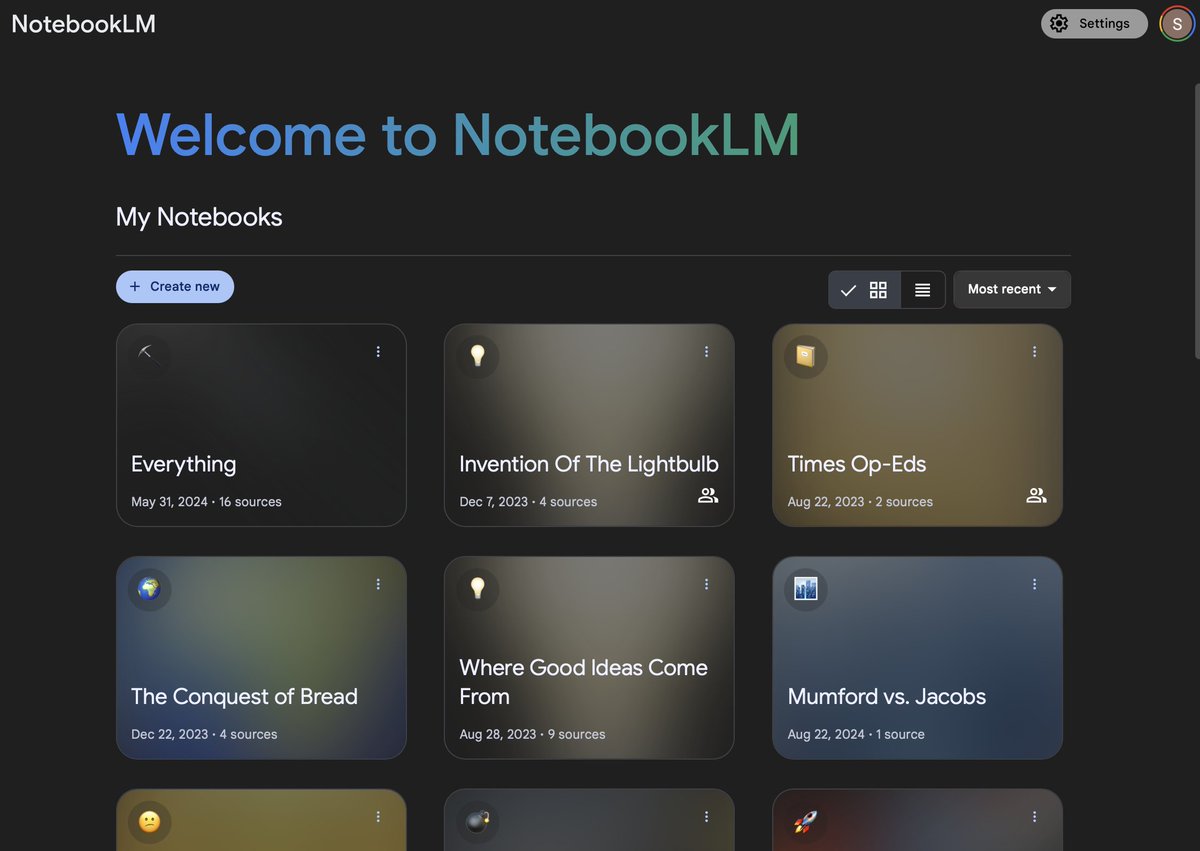

New feature now live at NotebookLM.google.com: "Convert notes to source." • Focus the AI on your sources and notes at the same time • Follow inline citations directly to relevant passages from your notes • Generate Audio Overviews based on your notes You'll see this feature at the top of the screen in an open notebook, right next to "Add note." By default it will give you the option to convert all of your notes into a single source. But you can also select notes manually and convert them to a source as well. Whichever option you choose, it will combine your notes into a single source, with each note separated by a divider, and it will give the source a name like "All notes 10/18/24." It's also an easy way to back up all your notes -- just select all the text in your "All notes" source and paste into an another app. FYI, any notes that you have converted to a source will not auto-update if you change the original note text. (I have basically gotten into the routine of combining all my notes into a source once a week, and then deleting the earlier compilation.) The previous mechanism for focusing the AI on your notes (by selecting notes and then using the chat) may continue to work for the next few weeks, but we are going to stop supporting that approach soon when we roll out some exciting new UI elements. More soon on that front...

Most engaged tweets of Steven Johnson
How to do school with NotebookLM: 1. Record audio from class on your phone 2. Keep laptop closed. Just jot down short phrases to describe most important points 3. Upload audio and PDF scan of notes to NotebookLM 4. Ask Notebook to expand your notes with details from recording Bonus: at the end of the week, create an Audio Overview from all your class summaries to review the most important concepts in podcast format. (As of this morning, NotebookLM now supports audio files--and YouTube videos--as sources. And we've added easy sharing tools for Audio Overviews.) notebooklm.google.com
Using NotebookLM to remember everything you've read. On Hard Fork I talked about my collection of 8K quotes. I have them in a single notebook which effectively gives me a personalized AI grounded in the most important ideas I've read. Here's how to build your own version... A lot of folks have asked how I get 8,000 quotes into a single notebook, when currently notebooks are limited to only 50 sources. The key thing is that each source can have up to 500,000 words in it, so if you can compile your quotes into giant documents, you can easily fit a quote collection of that size into a single notebook. (You could almost have 80,000 quotes in fact!) 1. Use e-readers to highlight passages in books you read. 2. Use the amazing service @ReadWise to collect and organize all your quotations in one place. (They can be web clippings as well.) 3. When you have your quotes imported into ReadWise, choose the ones you want to add to a notebook (or select them all) and use Readwise's Export to Docs feature, which will format each quote so that it works brilliantly inside of NotebookLM. (Author, title, and page number will be attached to each quote.) 4. Once those docs have been created, add them all as sources to your "reading history" notebook Once you have those sources loaded, you can ask questions, brainstorm, explore new ideas -- all with an AI that has effectively read everything significant that you've read. And of course, you can always click on citations to jump back directly to the original quotes themselves. In this thread I've posted a few screengrabs of the range of queries you can use in a notebook stocked with your reading history... youtu.be/VyQox7MMjG8?si…
New feature now live at NotebookLM.google.com: "Convert notes to source." • Focus the AI on your sources and notes at the same time • Follow inline citations directly to relevant passages from your notes • Generate Audio Overviews based on your notes You'll see this feature at the top of the screen in an open notebook, right next to "Add note." By default it will give you the option to convert all of your notes into a single source. But you can also select notes manually and convert them to a source as well. Whichever option you choose, it will combine your notes into a single source, with each note separated by a divider, and it will give the source a name like "All notes 10/18/24." It's also an easy way to back up all your notes -- just select all the text in your "All notes" source and paste into an another app. FYI, any notes that you have converted to a source will not auto-update if you change the original note text. (I have basically gotten into the routine of combining all my notes into a source once a week, and then deleting the earlier compilation.) The previous mechanism for focusing the AI on your notes (by selecting notes and then using the chat) may continue to work for the next few weeks, but we are going to stop supporting that approach soon when we roll out some exciting new UI elements. More soon on that front...
People with Thought Leader archetype

Esposo de @PSoniaLuna, pastor de @CasadeDios y ministerio que preside Noches de Gloria, Banco de Alimentos, Congresos Ensancha y Hechos 29.

We don't just cover the news - we uncover the truth. The official Twitter feed from Gulf News.

Santa? Buzz Lightyear? The Tool Man? Mike Baxter? Hey, I’m still that wisecracking kid from the Midwest, looking for answers to life’s big questions.

Journalist, Writer, Official Presidential Spokesperson, Nigeria, 2011-2015, TV Anchor, Arise News; Fellow - Nigeria Guild of Editors, Nigeria Academy of Letters

أستاذ الحديث بجامعة الأزهر ورئيس لجنة مراجعة المصحف وشيخ عموم مقارئ الديار المصرية سابقاً.

Physician by training, a public servant by choice and a democrat by conviction. Founder - @FDR_india, LokSatta movement , @loksatta_party, Surajya movement

inspire someone every single day.

Breaking news since 1847

Personas que andamos sin saber a dónde ir. Eventualmente algún día nos encontraremos. contacto@iprincipito.com

Biblical Hebrew nerd ⟡ I love learning about all things Hebrew, Greek, linguistics & HB/LXX ⟡ MDiv student @BibleCollegeSA

7th President of the I.R of Iran 🇮🇷 | Persian @Rouhani_ir

Director 📻 @alfa913fm /Lic.En C.C./FCPyS - UNAM. / MD at U. Of WALES/ PREMIO NACIONAL DE PERIODISMO 2014/ #QueremosRock #EfectoPositivo #CaminitoAlaEscuela
Explore Related Archetypes
If you enjoy the thought leader profiles, you might also like these personality types:
